Why it matters
Changing a price or HH rule here updates every till and waiter tablet without redeploying apps.
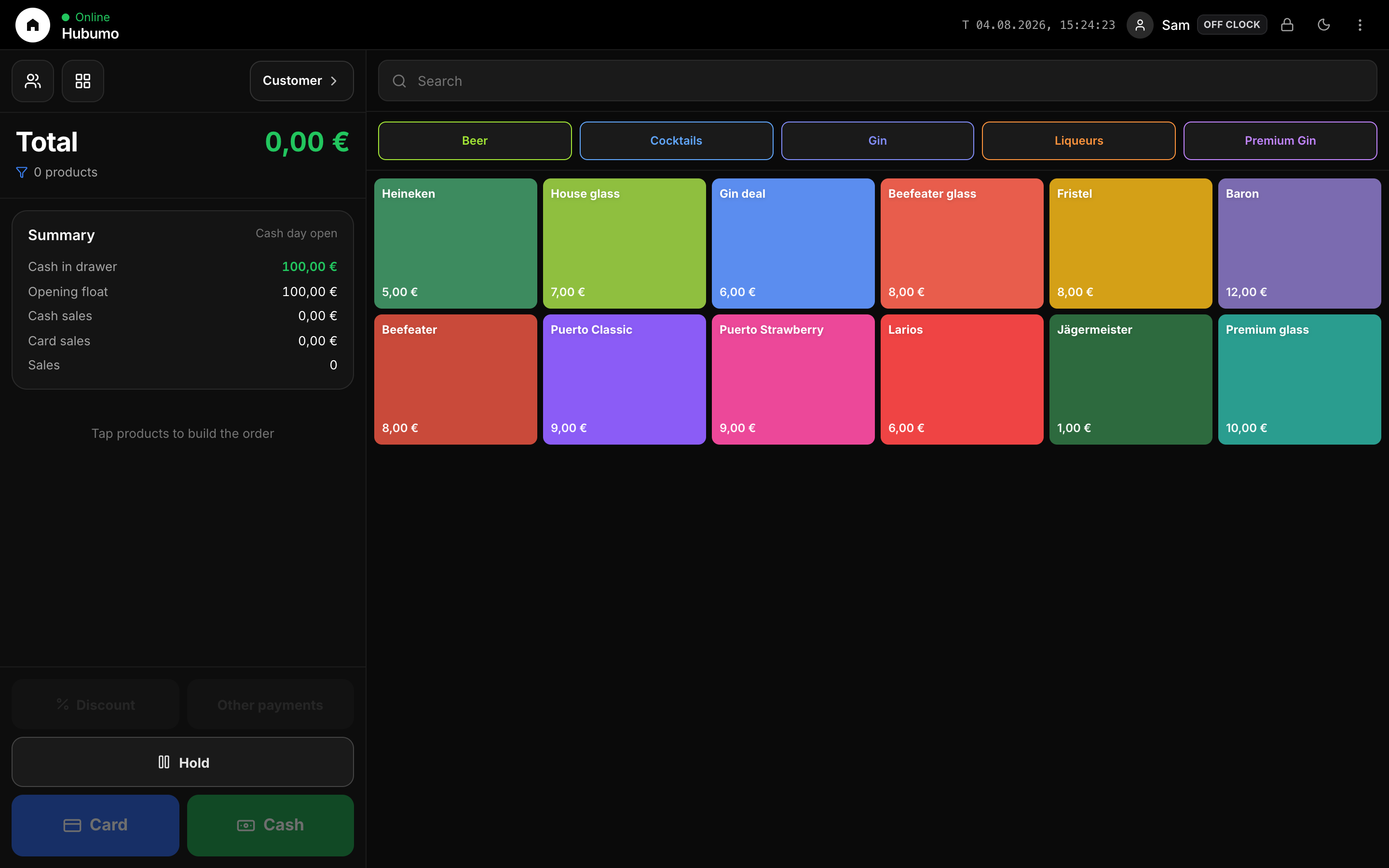
Catalog is the single menu for POS and waiter: categories with colors, products with price/unit/photo/stock. Happy Hour windows change prices automatically. Stock page (and Waiter Stock) adjusts tracked quantities — 0.1 steps for g/kg, whole units for pc/ml — with a full log.
Concrete capabilities from the live Hubumo build — not a generic feature list.
Changing a price or HH rule here updates every till and waiter tablet without redeploying apps.
Pour sizes and weight need fractions. Tracking respects the product unit so inventory stays honest overnight.
Manager → Catalog → New category.
Add product → assign category & price.
Enable tracking → adjust on Stock or Waiter.
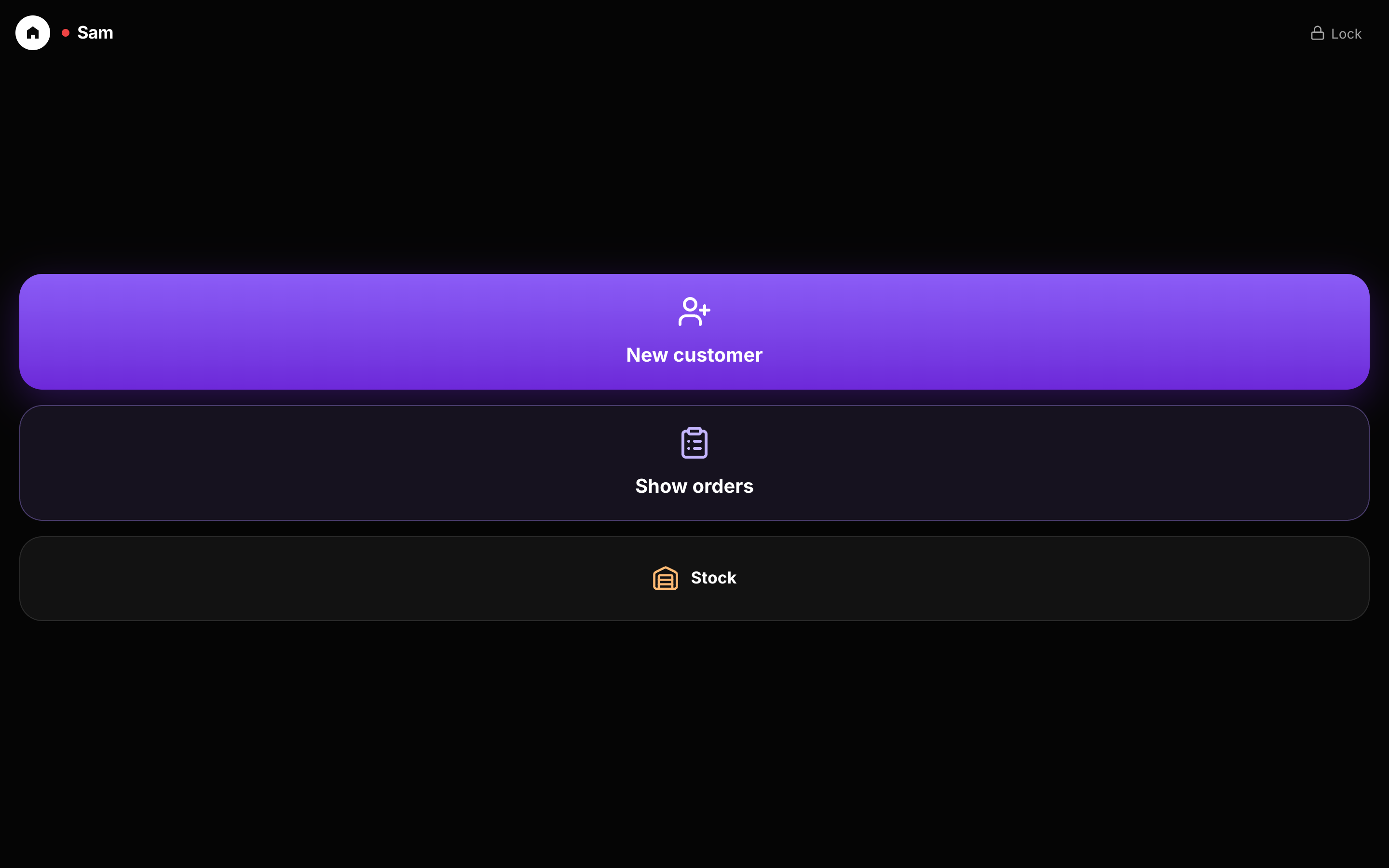
UI previews of the real surfaces — till, door, manager, displays — so you can see options and steps before opening the app.
Log in to Manager to run the night, or browse every other module from the full features list.