Manager order flow
From Overview open Subscription. Each card shows monthly price and Active state. Subscribe enables the module in the live nav; Cancel turns it off.
Every manager and display pack is sellable on its own. Open Subscription from Overview, subscribe or cancel per module, and active subs unlock the matching screens. Manager sets catalog prices so each module shows a clear monthly fee.
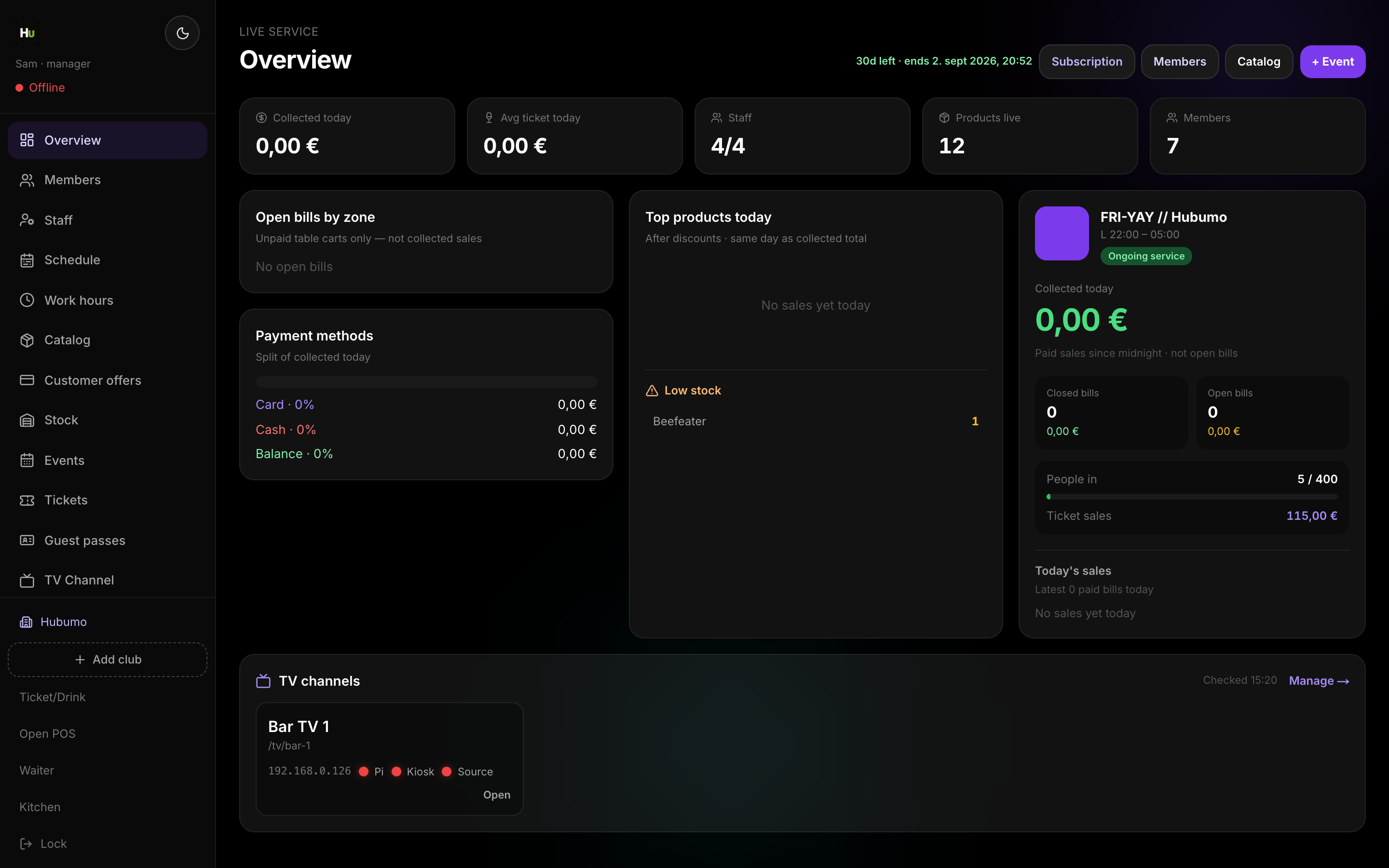
Concrete capabilities from the live Hubumo build — not a generic feature list.
From Overview open Subscription. Each card shows monthly price and Active state. Subscribe enables the module in the live nav; Cancel turns it off.
Manager sets the monthly catalog prices. Each module card shows what you pay before you subscribe.
Manager Overview → Subscription.
Pick a module and confirm.
Nav unlocks for that module.
UI previews of the real surfaces — till, door, manager, displays — so you can see options and steps before opening the app.
Log in to Manager to run the night, or browse every other module from the full features list.