Ops
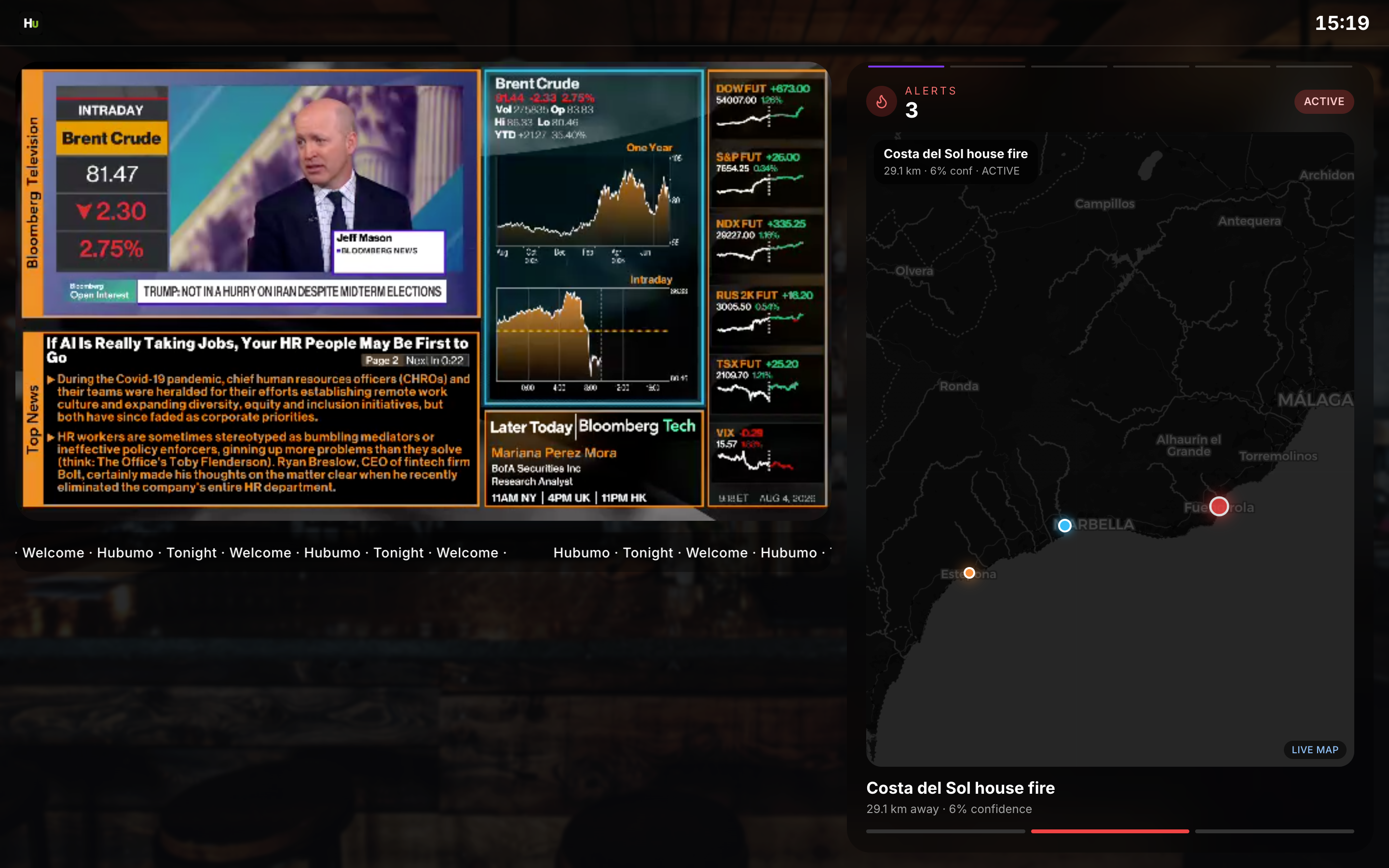
Run the player on a Raspberry Pi or browser kiosk. Heartbeats update Manager TV status lights.
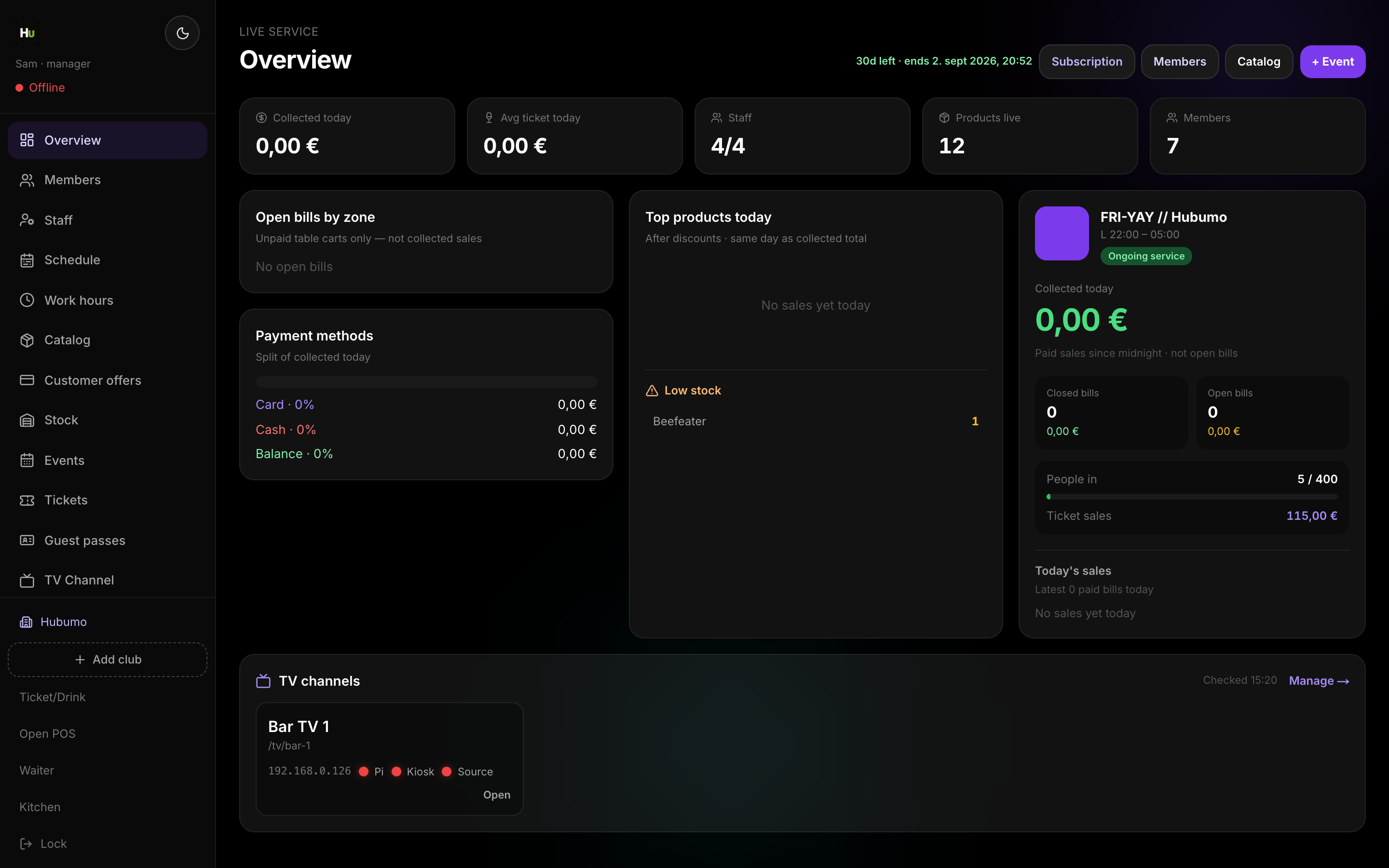
TV Channel configures per-screen players: stream URL, rotating info panels, social clips, commercials, menu fullscreen cadence, and kiosk heartbeats. Manager Settings can idle to logo or force the boot loading screen when turning TV back on.
Concrete capabilities from the live Hubumo build — not a generic feature list.
Run the player on a Raspberry Pi or browser kiosk. Heartbeats update Manager TV status lights.
Manager → TV Channel → Add screen.
Edit timings and clip playlists.
Open the TV player on the display device.
UI previews of the real surfaces — till, door, manager, displays — so you can see options and steps before opening the app.
Log in to Manager to run the night, or browse every other module from the full features list.